One tap to log a glass
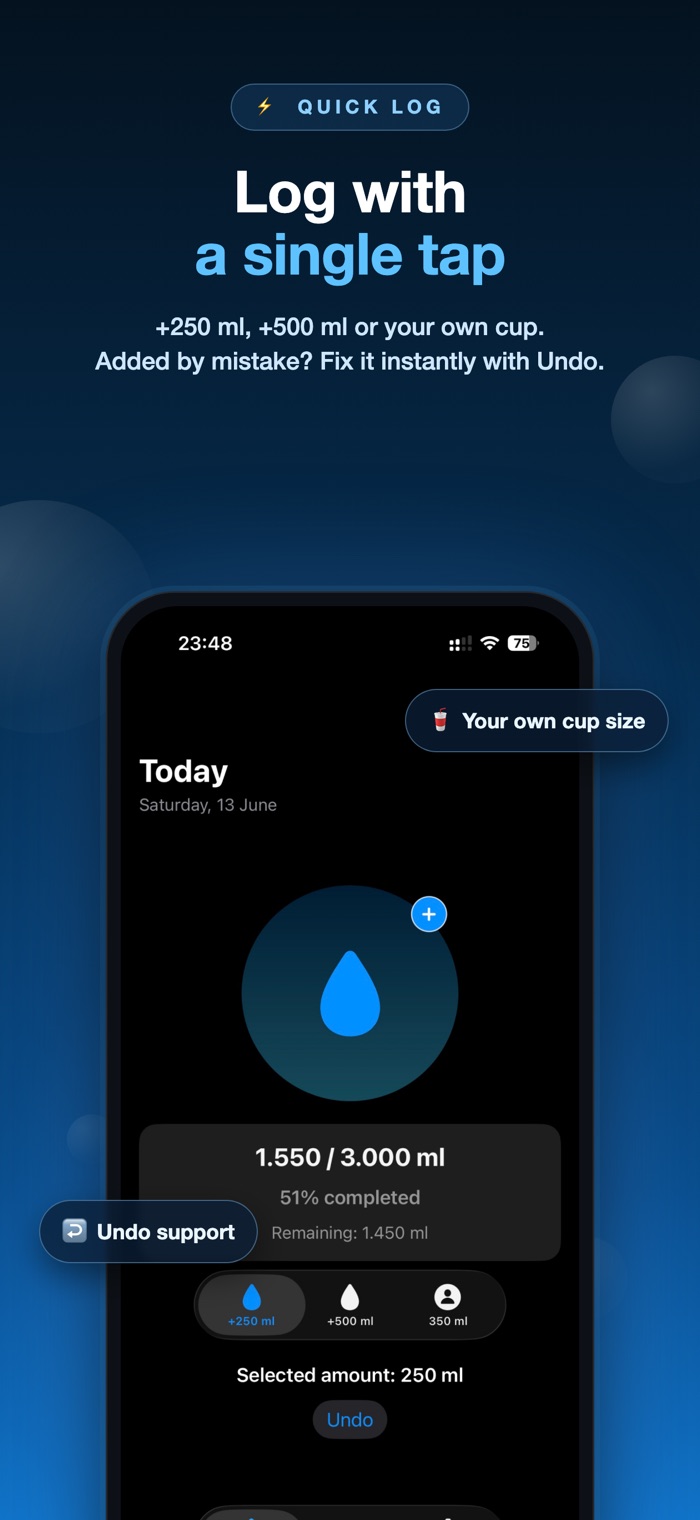
Pick +250 ml, +500 ml or your own glass size, then tap once. Tapped by mistake? Undo removes the last entry straight away.
iPhone
H2O Go works out how much water you should drink from your height, weight and age — then keeps logging a glass down to a single tap. Reminders run on your schedule, a widget sits on your Lock Screen, and everything stays on your device.
Free, with an optional one-time ad removal · iOS 17 or later · Version 1.4
Most apps ask you to guess. H2O Go starts from your body and gives you a number you can adjust — here is exactly how it gets there.
| Step | What happens |
|---|---|
| 1. Body weight | Your weight in kilograms × 33 ml |
| 2. Age adjustment | 30 and under × 1.00 · 31–55 × 0.95 · 56 and over × 0.90 |
| 3. Sensible limits | Kept between 1,500 ml and 4,000 ml a day |
| 4. Rounding | Rounded to the nearest 50 ml so the number is easy to remember |
| Your call | Prefer a different figure? Switch on a custom goal in Settings and the suggestion steps aside. |
This goal is an informational estimate, not medical advice. What you actually need changes with activity, climate, medication and health conditions. Talk to a healthcare professional about your own situation — the same disclaimer appears inside the app.
Logging water only works if it takes no effort. Everything here is built around that.
Pick +250 ml, +500 ml or your own glass size, then tap once. Tapped by mistake? Undo removes the last entry straight away.
Your target comes from your height, weight and age instead of a one-size-fits-all number — and you can override it with your own figure whenever you like.
Every entry fills the screen with water. It sounds small, but watching the level rise is the reason people keep logging past day three.
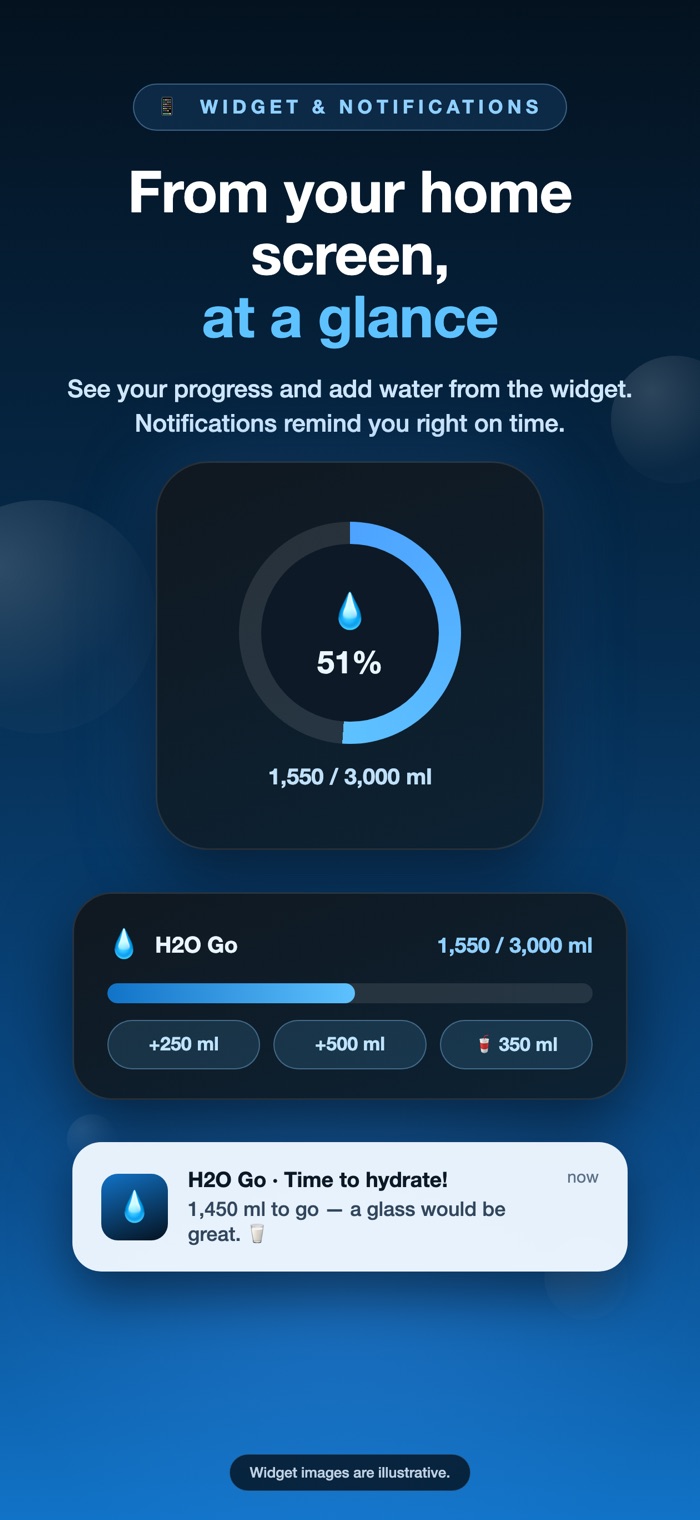
A circular Lock Screen widget and a small Home Screen widget show how far along you are — and the button on them adds water without ever opening the app.
Choose when the day starts, when it ends and how often to be nudged. Nothing arrives while you are asleep, and you can switch reminders off entirely.
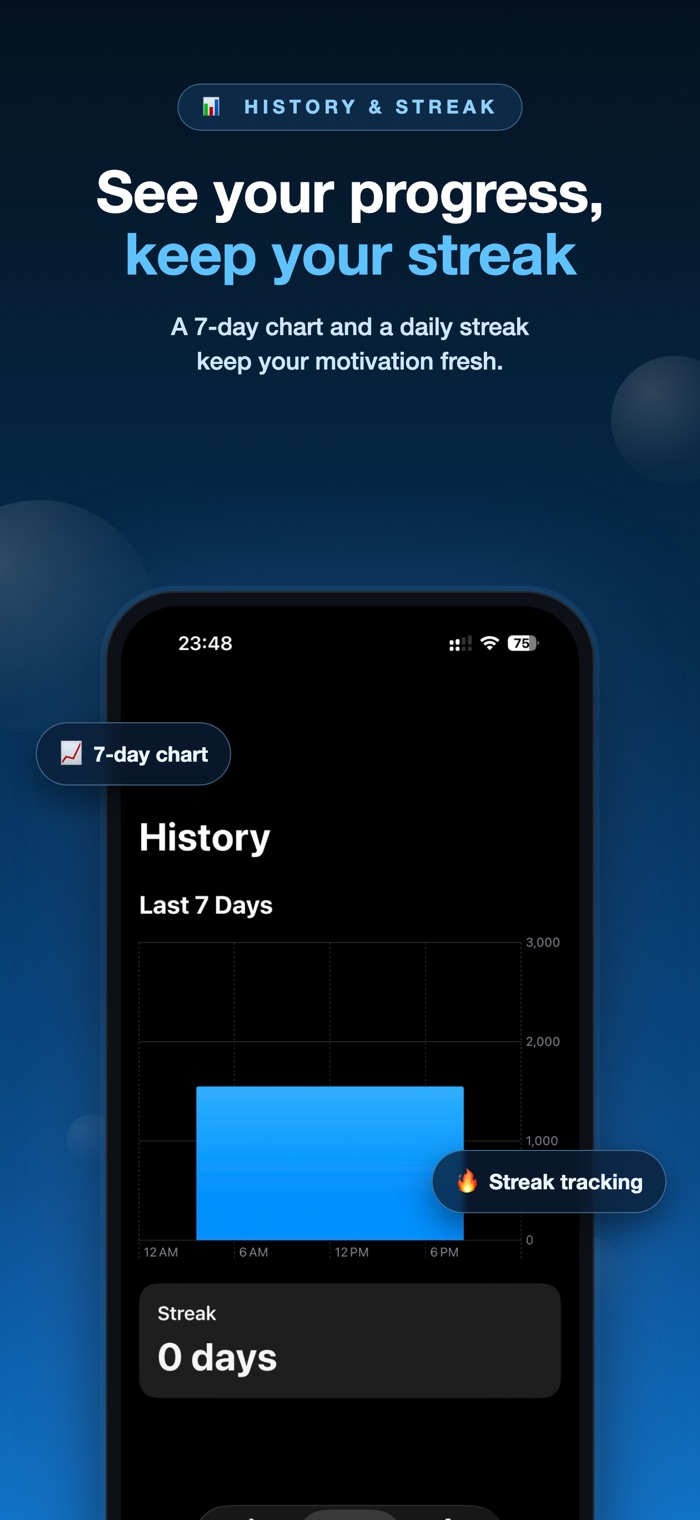
A simple chart of the last week, plus a streak count of consecutive days you hit your goal. Enough to spot a pattern, not enough to become a chore.
Switch units in Settings. The app speaks English and Turkish, and picks up your device language on first launch.
No account, no sign-in, no sync server. Your intake history lives in the app's own storage on your device and is shared only with its widgets.
Dynamic Type and VoiceOver are supported throughout, so the app scales with your text size and works with the screen reader.
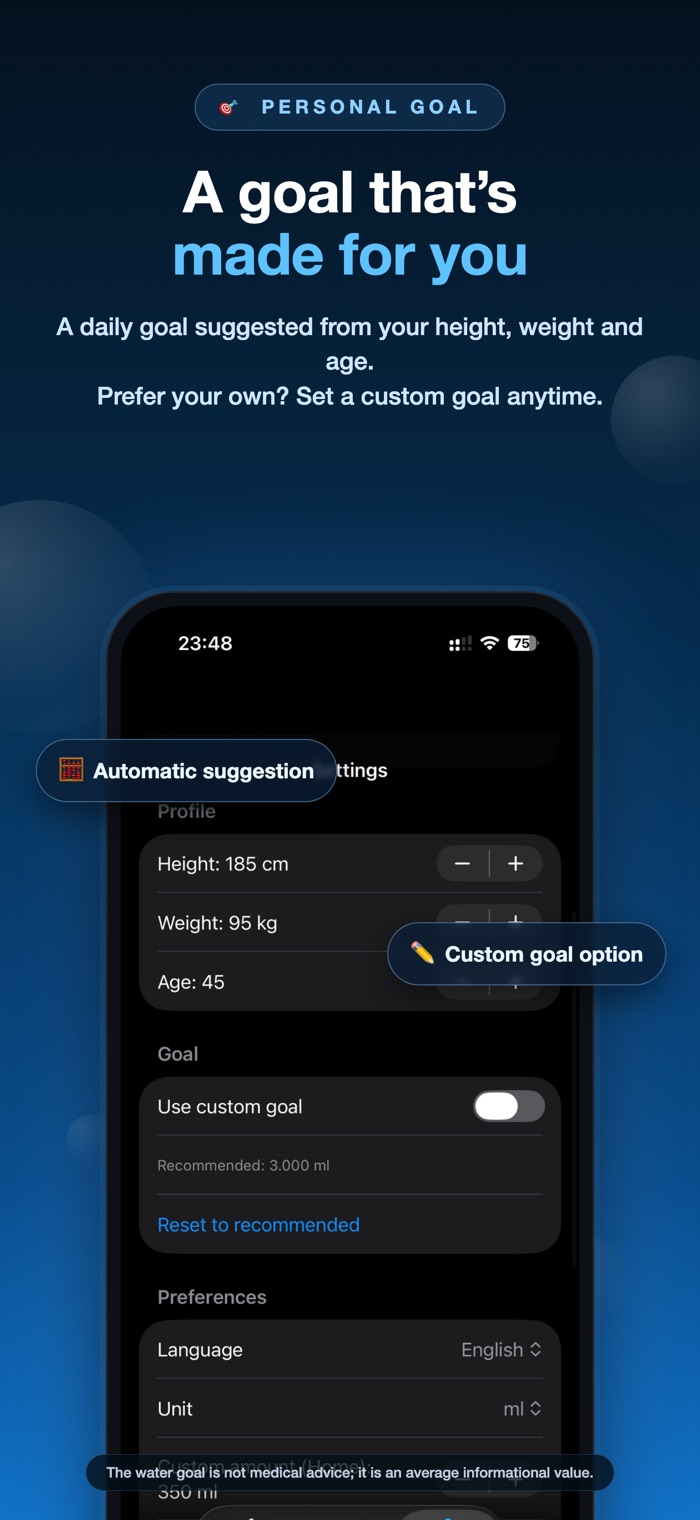
H2O Go estimates it from your weight and age: roughly 33 ml per kilogram of body weight, reduced slightly after 30 and again after 55, then kept between 1,500 ml and 4,000 ml. For a 70 kg 30-year-old that lands around 2,300 ml. It is a starting point rather than a prescription — activity, climate and health all change the real answer, so treat it as informational and ask a healthcare professional about your own needs.
Yes. Turn on "Use custom goal" in Settings and type the figure you want. The calculated suggestion steps aside and everything — progress, reminders, streaks — works from your number.
Yes. Add the H2O Go widget to your Lock Screen or Home Screen and it shows your progress at a glance. The button on the widget adds water directly, so a glass is logged without the app ever coming to the foreground.
You set a start time, an end time and how often you want to be nudged. H2O Go then schedules local notifications across that window only, so nothing arrives overnight. You can change the timing at any point or switch reminders off completely.
No account and no sign-in. Your profile and intake history are stored on your device and shared only with the app's own widgets. The app itself works offline; the only thing that uses the network is the banner ad, which disappears once you buy the ad removal.
Yes — switch the unit in Settings. You can also change the app language between English and Turkish there; on first launch it follows your device language.
Yes, it is free to download and every feature is included. It is supported by a single banner ad, and a one-time in-app purchase removes that ad for good. Purchases restore on your other devices with the same Apple Account.
Free on the App Store. Set your goal in under a minute, then forget the app is there until it nudges you.