Browser-style tabs & pinning
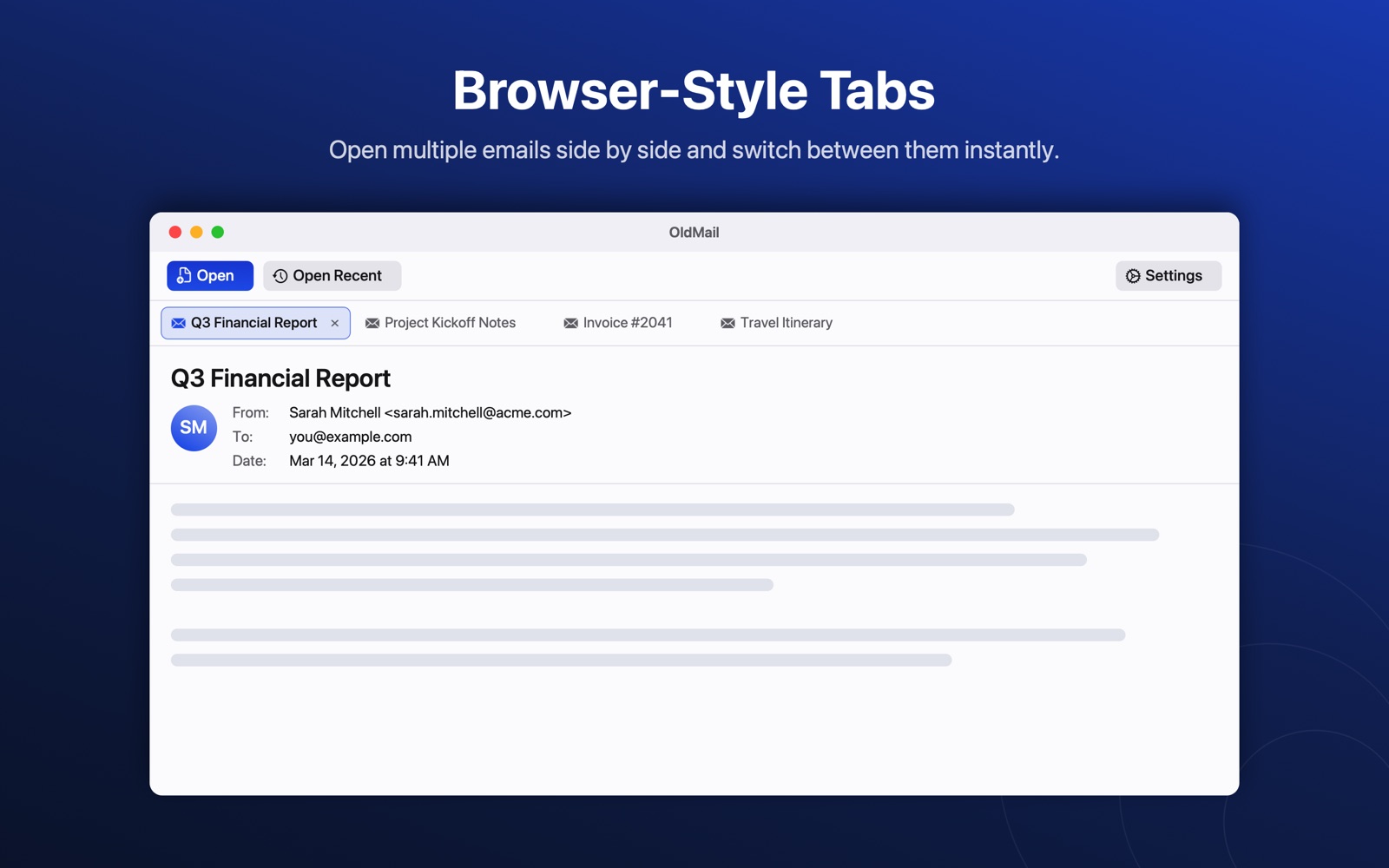
Open as many files as you like side by side. Pin the ones you keep coming back to and they reopen automatically the next time you launch the app.

macOS
No Outlook required. OldMail is a fast, native Mac app for reading email files you have saved or archived — Outlook .pst, .ost, .msg, standard .eml, and Apple Mail .emlx and .mbox. Everything is parsed on your Mac. Nothing is uploaded anywhere.
Free to download · macOS 13 or later · Version 1.4
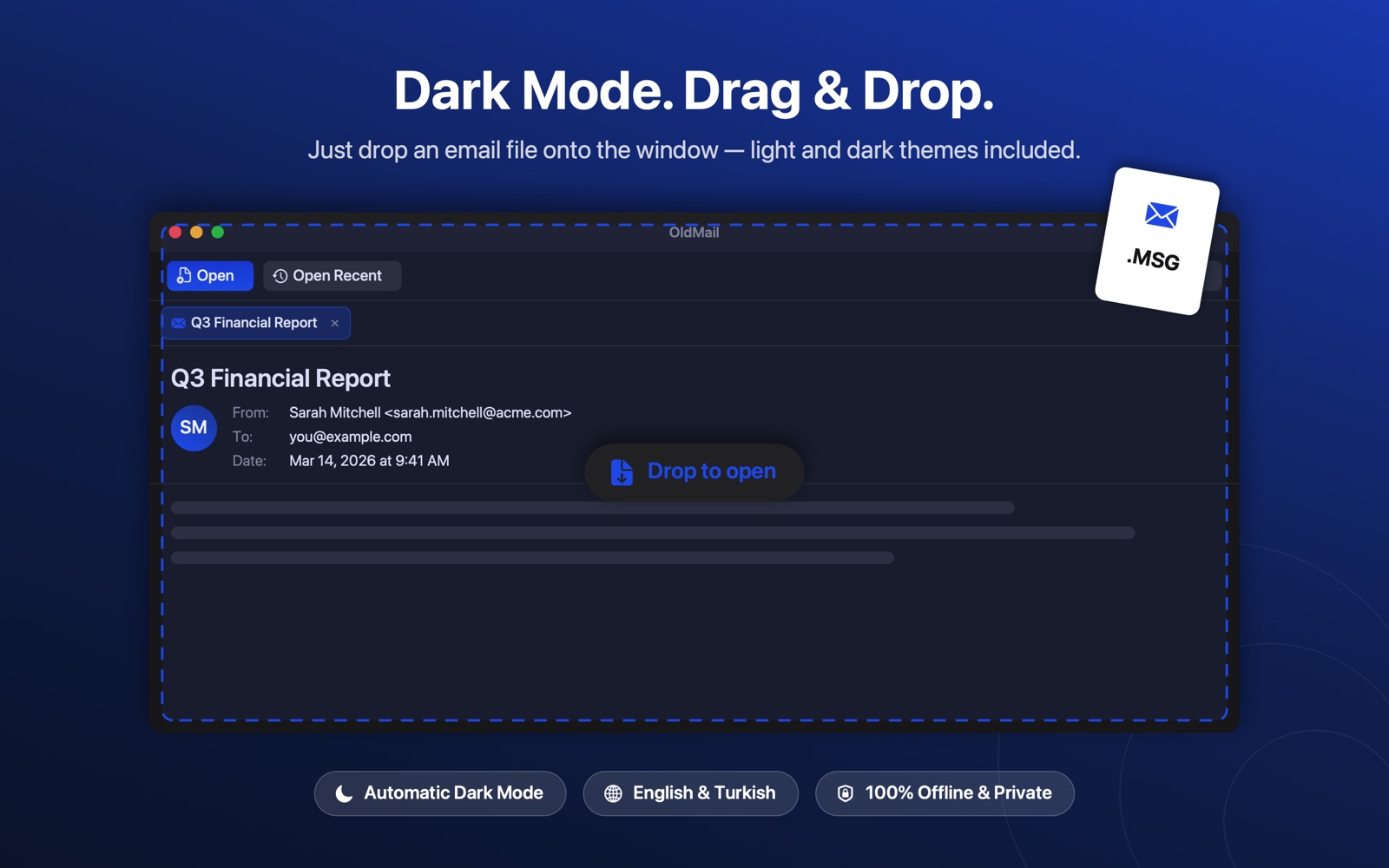
Double-click, drag & drop, or press ⌘O. OldMail can also be set as the default app for these file types.
| Format | What it is | How it opens |
|---|---|---|
.eml |
Standard RFC 822 email file, exported by almost every mail client | Single message tab |
.msg |
Outlook message file | Single message tab |
.emlx |
Apple Mail single-message file | Single message tab |
.pst |
Outlook Data File — a whole archived mailbox | Archive tab: folder tree, message list, reading pane |
.ost |
Outlook Offline Data File, including the Outlook 2013+ 4 KB page variant | Archive tab: folder tree, message list, reading pane |
.mbox |
Mailbox files from Thunderbird, Google Takeout and similar exports, plus Apple Mail .mbox packages |
Mailbox tab: message list and reading pane |
| Any folder | A folder full of .eml, .emlx or .msg files, with subfolders |
Folder tab, watched live for changes |
Tabs, pinning, search and a reading pane — the things you already know, applied to archived email.
Open as many files as you like side by side. Pin the ones you keep coming back to and they reopen automatically the next time you launch the app.
Browse a PST or OST like a mailbox — folder tree, message list and reading pane. Point at a folder of loose email files and it works the same way, refreshing live as files are added or removed.
Turn the message you are reading into a clean PDF or Word document with ⇧⌘E — subject, sender, recipients and date included. Attachment names and types are listed under the subject, so the document stays small and easy to share. Here is how it works step by step.
Send any message on to your own mail app as an attachment — the system default, or a specific client you pick. Messages buried inside a PST or OST can be saved back out as a standard .eml file.
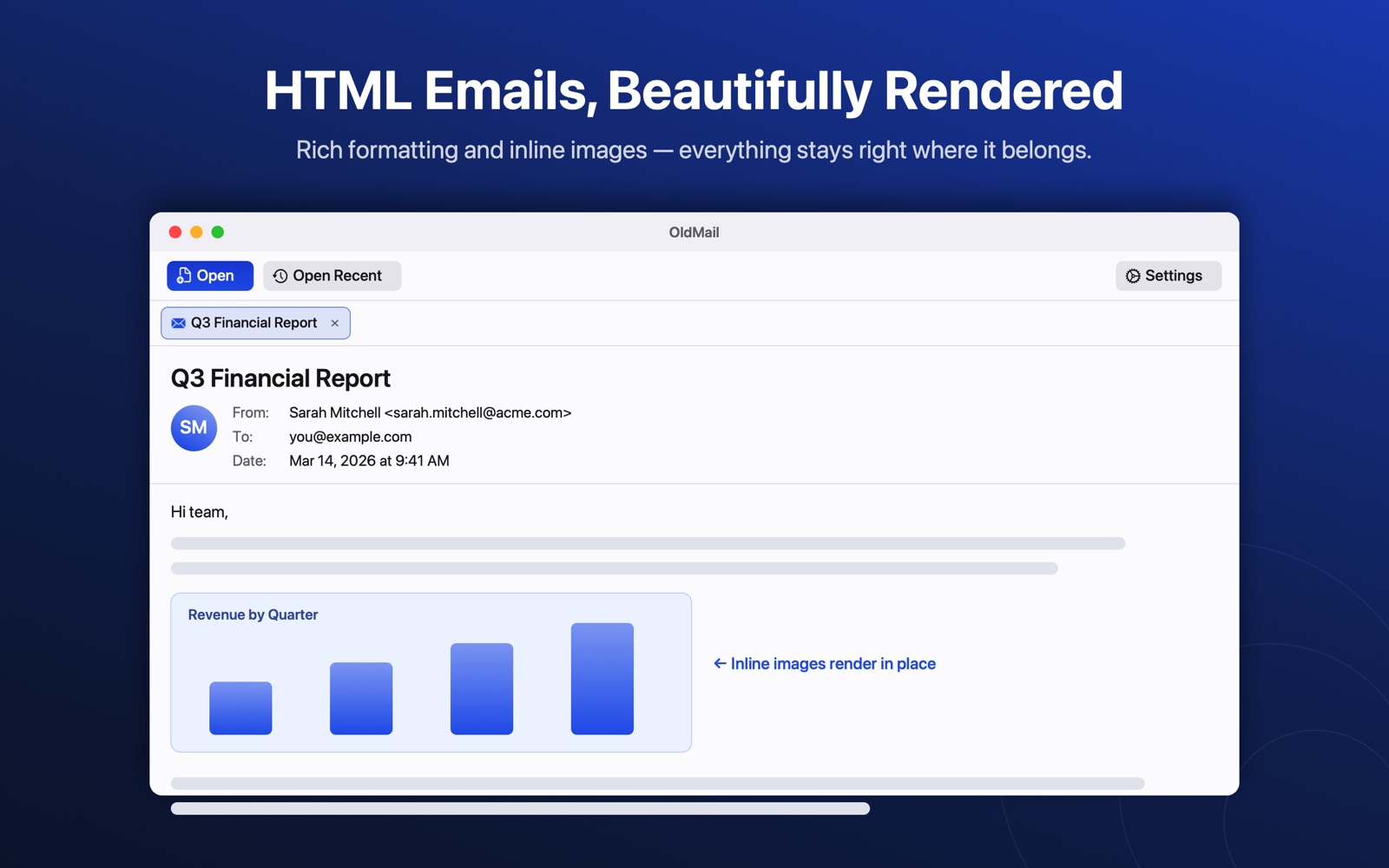
Emails keep their original formatting, inline images and layout instead of being flattened to plain text — with proper dark mode handling so nothing turns unreadable.
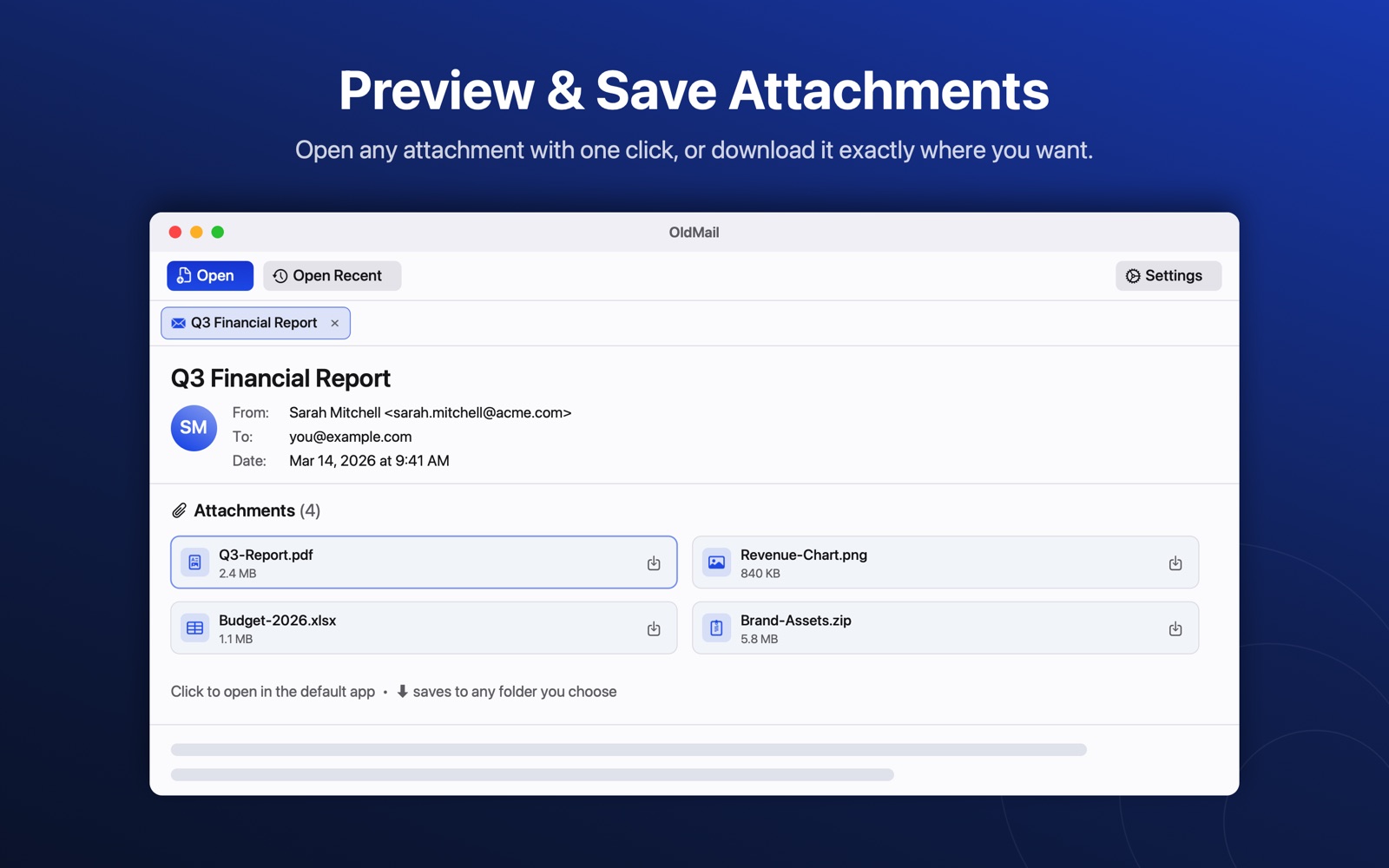
Attachments appear as cards with file-type icons, laid out on a single scrollable row. Open them in their usual app or save them wherever you want.
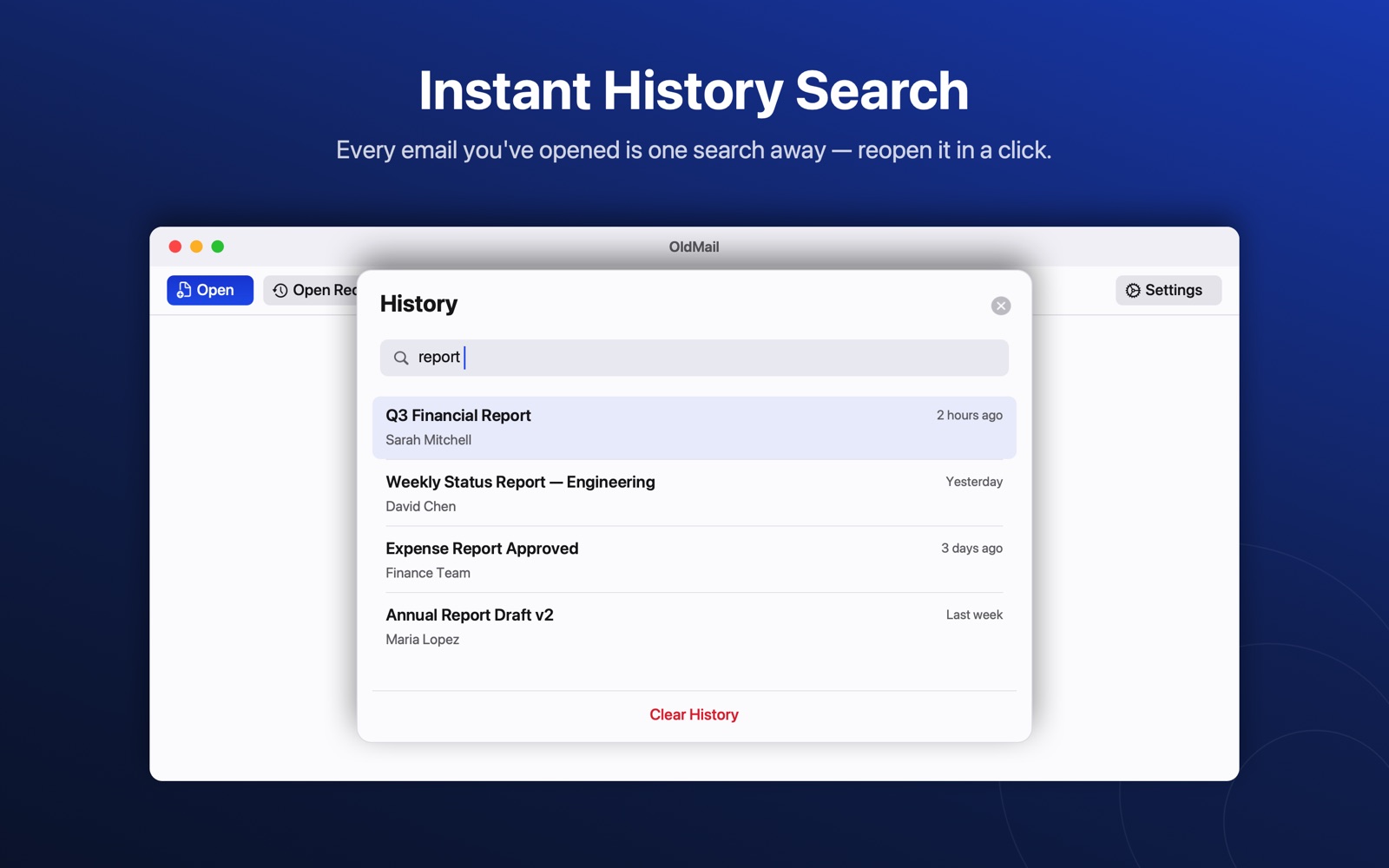
Filter long message lists by sender or subject, and reopen recently viewed emails from the history panel — even after restarting the app.
Messages appear in the list while indexing is still running, with a progress strip showing the count. You can open anything that has already arrived instead of staring at an empty window.
No account, no sign-in, no analytics, no servers. Your email files are read locally and never leave your Mac. Temporary copies are reused and cleaned up automatically.
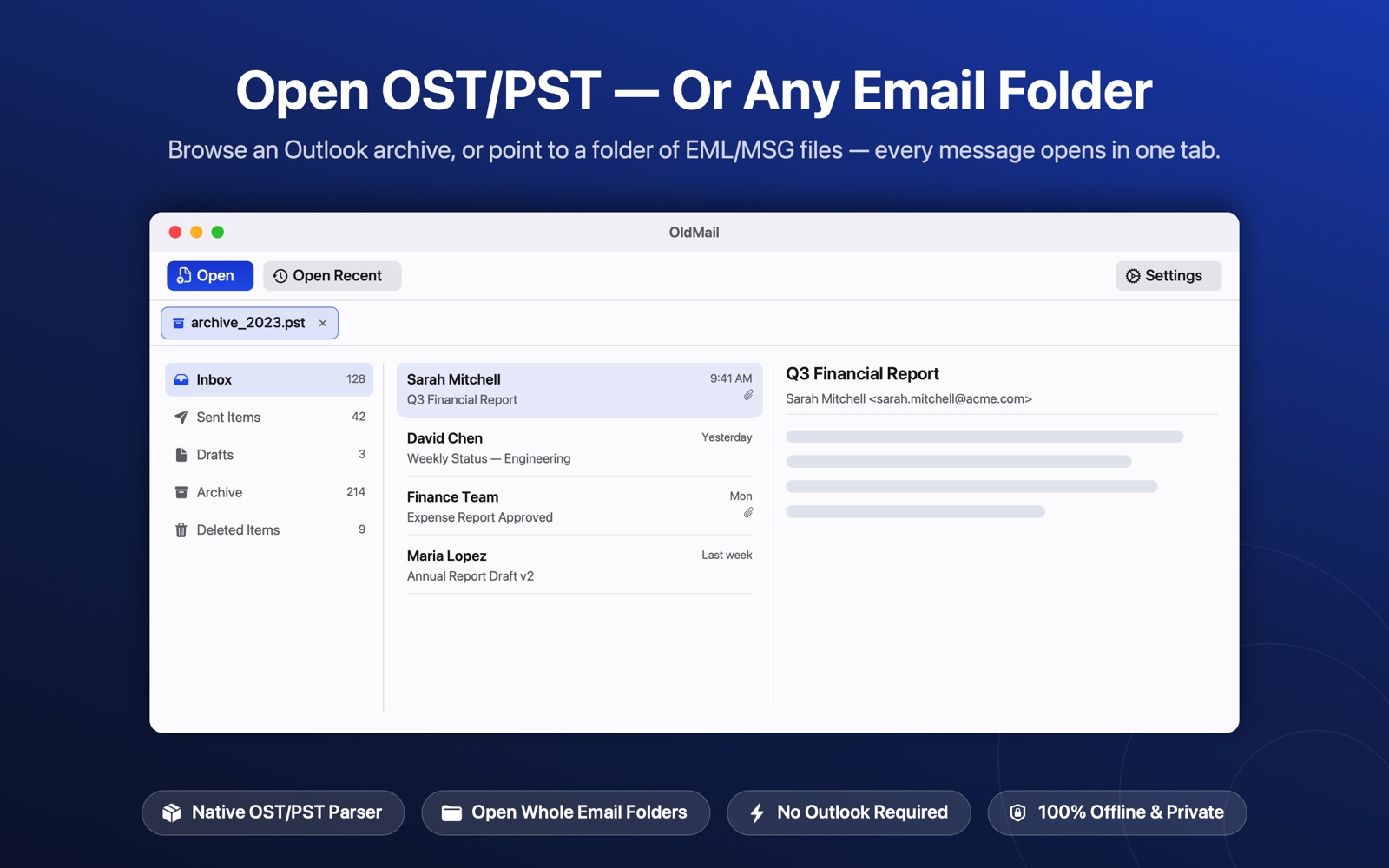
OldMail reads Outlook's OST and PST formats with a native Swift parser built specifically for this app — no third-party libraries, no conversion step, no Outlook installation anywhere in the chain.
Message lists are built by reading just the message headers. Attachments are never decoded to show you a list, which makes opening large folders dramatically faster and much lighter on memory.
Messages are handed to the interface in batches as they are found, so the list starts filling within about a second even on a 900 MB archive.
Temporary copies made when you open an attachment or forward a message are de-duplicated by content and swept at launch, so they stop piling up over time.
| Indexing a folder of… | Before | Now | Faster by |
|---|---|---|---|
| 2,000 emails at 15 KB each | 1.30 s | 0.35 s | ~3.7× |
| 200 emails with 1 MB attachments (270 MB total) | 3.49 s | 0.10 s | ~34× |
Measured on the developer's Mac with a release build. Real-world times depend on your hardware and files.
.partial.emlx files, attachments are stored in a separate folder next to the message and are therefore not listed.Get OldMail from the Mac App Store at no cost, then choose the plan that suits you — the yearly one starts with a free trial.
Includes a 7-day free trial. Renews automatically until cancelled.
One-time payment. Yours forever, with no renewal.
Both plans are in-app purchases. Prices are shown in US dollars and may vary by region. Purchases are handled by the Mac App Store and can be restored on your other Macs. Subscriptions renew unless cancelled at least 24 hours before the period ends; you can manage or cancel them in your Apple Account settings.
Step-by-step walkthroughs for the formats people get stuck on most, including the options that do not involve OldMail at all.
Open OldMail and press ⌘O, or drag the .pst file onto the window. The archive opens in its own tab with a folder tree, a message list and a reading pane — the same layout you would expect from a mail client. Nothing is converted or imported first, and Outlook does not need to be installed.
Yes. .ost files open exactly like PST files, including the 4 KB page variant that Outlook 2013 and later produce. OldMail reads them with a parser written natively in Swift for this app, so there is no conversion step and no external tool involved. Very old ANSI-format files from Outlook 2002 and earlier are not supported.
Open the message, then press ⇧⌘E or use the "Export as" button. Pick PDF or Word from the dropdown next to it and OldMail remembers your choice. The exported document keeps the subject, sender, recipients, date and the full message body. Attachment names and file types are listed under the subject, but the attachment files themselves are not embedded, so the document stays small.
.emlx is the format Apple Mail uses to store a single message on disk. OldMail opens these directly, and also lists them when you open a folder that contains them. One limitation: for .partial.emlx files, Apple stores attachments in a separate folder next to the message, so those attachments are not listed.
Yes. .mbox mailboxes from Thunderbird, Google Takeout and similar exports open in their own tab with a message list and a reading pane. Apple Mail .mbox packages — which are folders rather than single files — are handled too.
Yes. Point OldMail at any folder containing .eml, .emlx or .msg files and it opens as a single tab, with subfolders shown as a folder tree. The folder is watched while the tab is open, so messages you add or delete outside the app appear and disappear straight away.
No. Messages appear in the list as they are indexed rather than after everything is read, so a large PST starts filling within about a second and you can open any message that has already arrived. Lists are built from message headers only, which makes indexing several times faster — and dramatically faster for emails with large attachments.
No. There is no account, no sign-in, no analytics and no server. Every file is parsed locally on your Mac and the app works with no internet connection at all. See the OldMail privacy policy for the full details.
Send it over — or read exactly what OldMail does and doesn't do with your data.